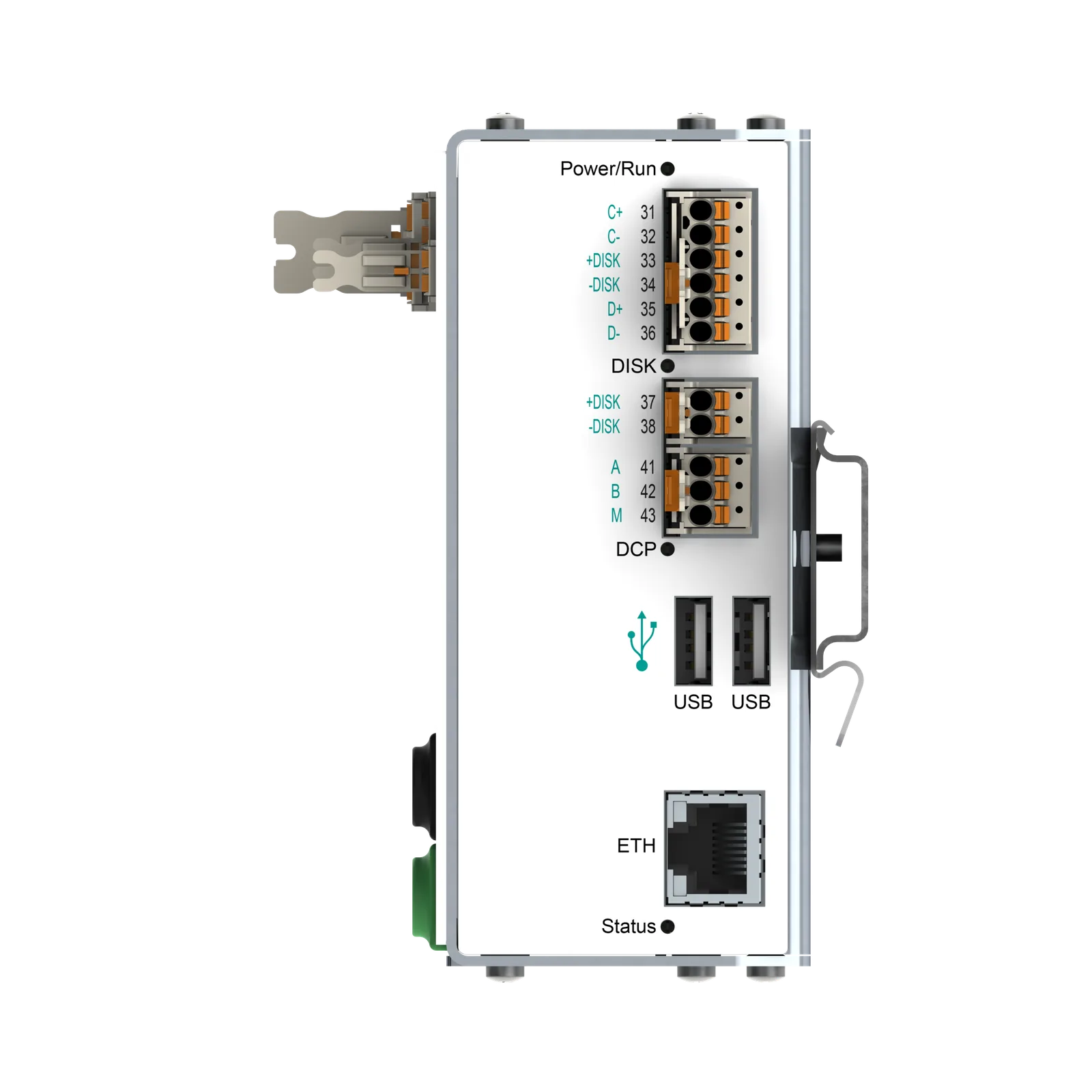
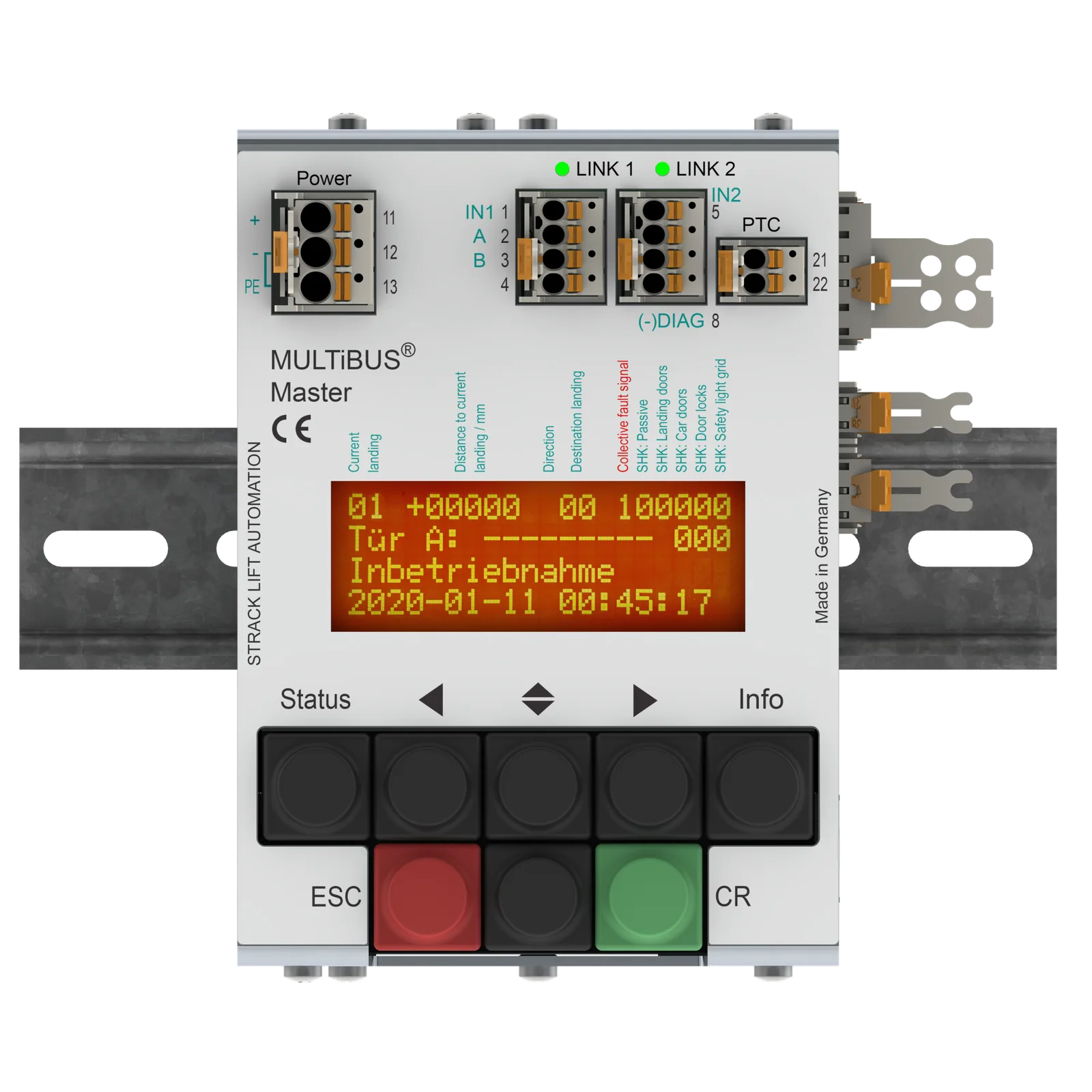

From a 2-floor single lift to a 64-floor group of 8 with a speed of up to 12 m/s and a lifting height of 390 m, MULTiBUS requires very little hardware thanks to virtual inputs/outputs, absolute shaft copying, LINK bus, LAN, USB, Ethernet, suitable panel components and more.
MULTiBUS is manufactured at the Wülfrath site and has been available for decades. MULTiBUS is ideally suited for reliable lifts in all industrial sectors, hospitals, airports, office, residential, commercial and public buildings, as well as special and explosion-hazardous environments.
MULTiBUS Network
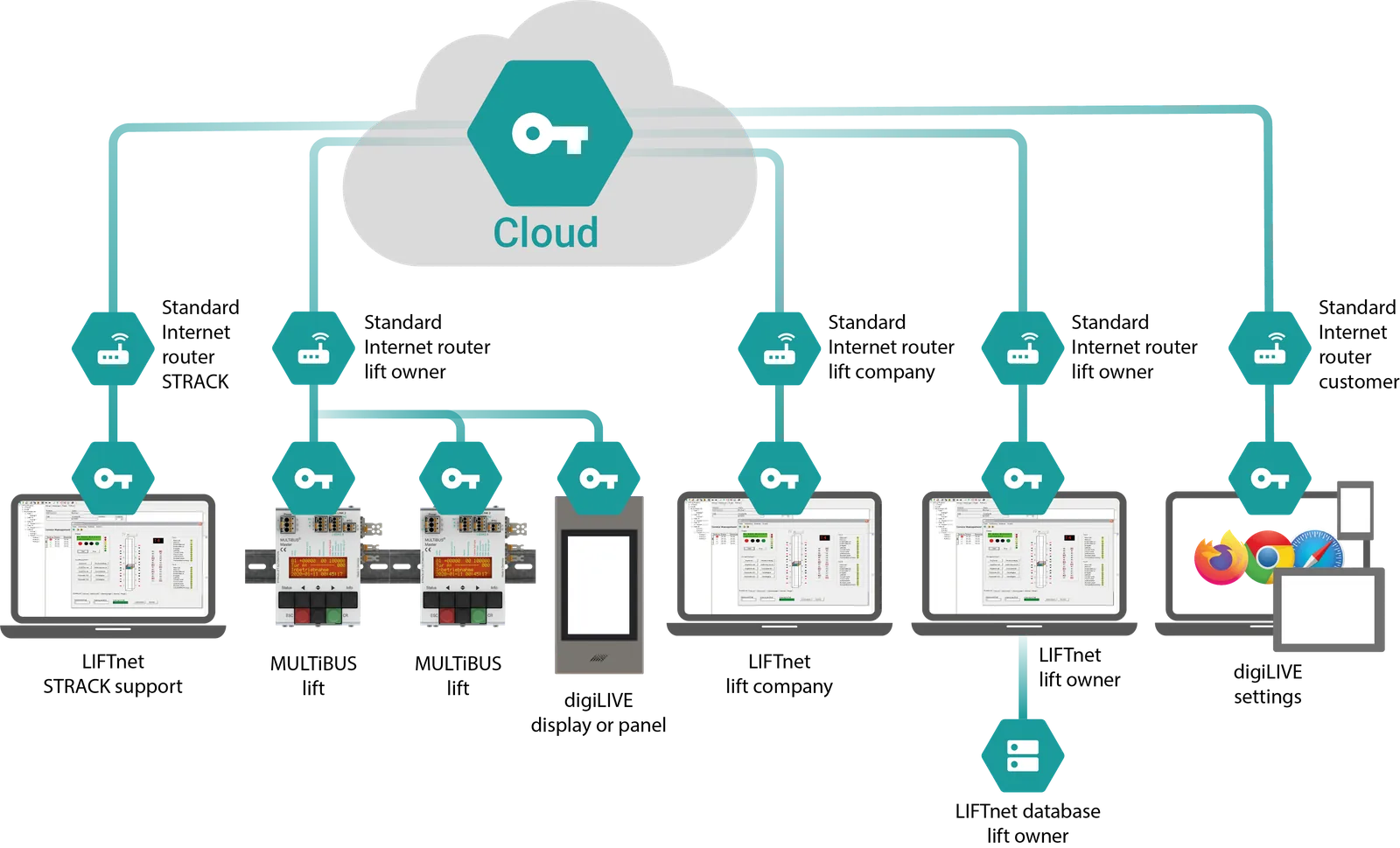
Each MULTiBUS has a unique security certificate that allows it to automatically connect to the MULTiBUS net if it reaches the Internet. Communication with the MULTiBUS net is encrypted and high-performance.
The connection is simple: either via an existing LAN in the building, via a cellular router (e.g. LTE) or even via the lift technician's smartphone. If your technician ever gets stuck, he can open a WiFi hotspot with his smartphone and the MULTiBUS will connect to STRACK support via it.
MULTiBUS does not require any changes to the customer firewall or customer router. It does not require a fixed public IP address. Any standard Internet connection is sufficient.
You determine which of your customers or partners are allowed to communicate with your lifts. If you get a third-party MULTiBUS control in your maintenance portfolio, you can inform us so that we can include it in your MULTiBUS net. If you lose a lift to a competitor, we can revoke the lift's permissions. These settings are made without an online connection to the lift and without an on-site visit.
LINK Bus
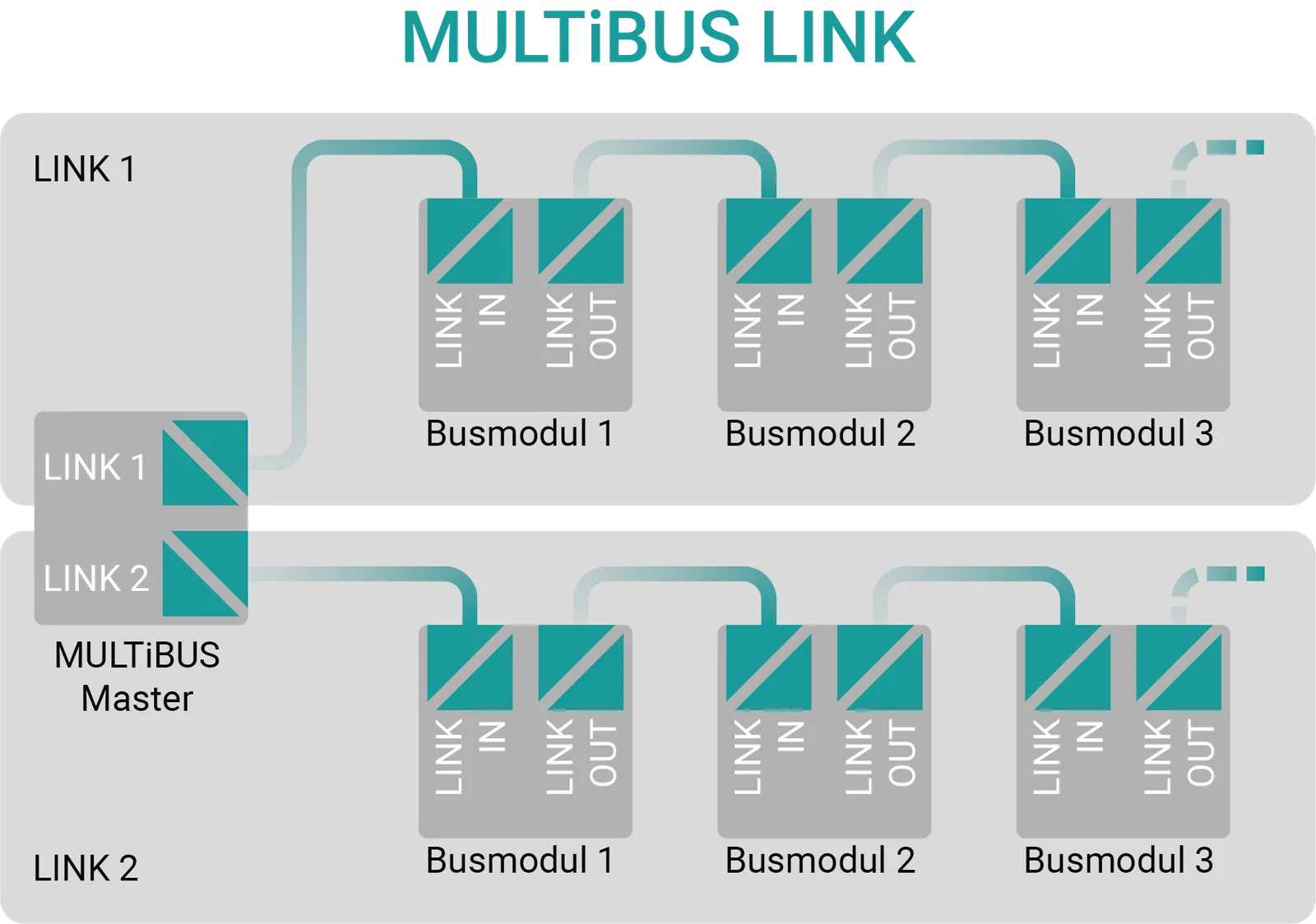
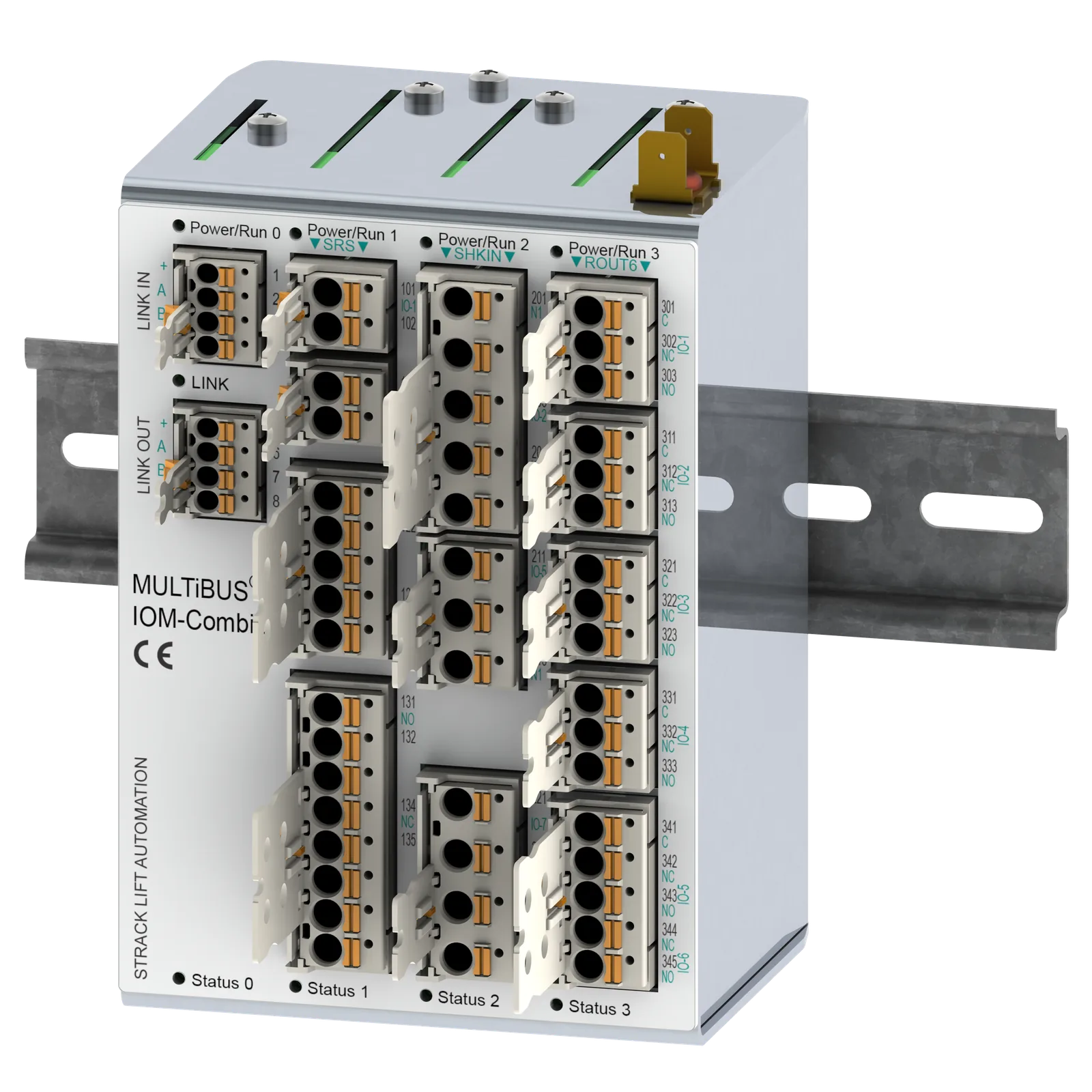
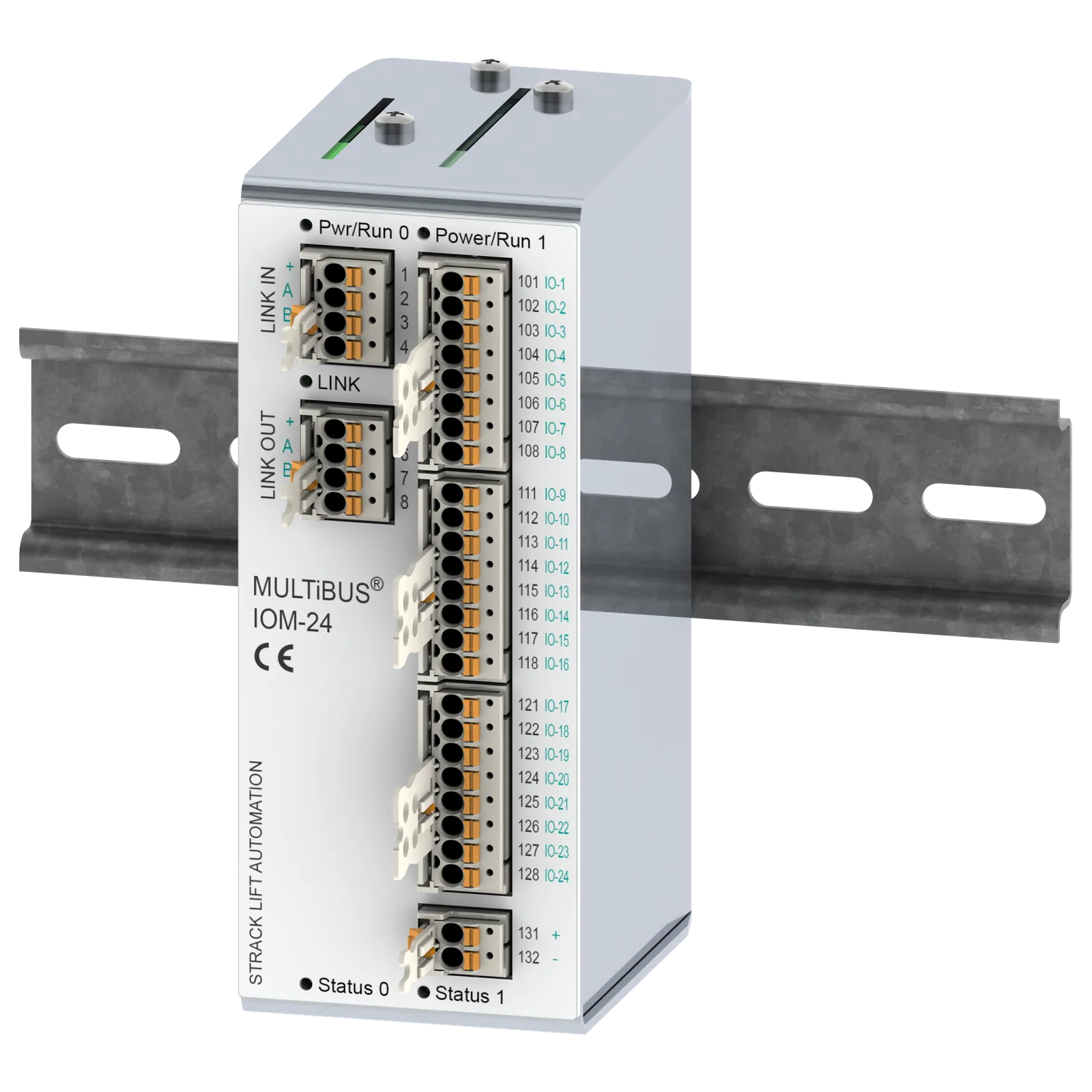
The MULTiBUS control system consists of MULTiBUS modules for control, panels, etc., which are connected to the LINK bus. The halogen-free bus cables are plugged from module to module. Each module has extremely interference-resistant and galvanically isolated LINK-IN and LINK-OUT interfaces. The bus cables contain power supply and earthing, e.g. for panels. By providing separate power supplies at any point, a bus section can also be operated independently, which is important, e.g. for fire service lifts, flood and emergency power evacuation sequence circuits.
Functional principle
A bus telegram sent by the MULTiBUS master passes through all bus modules. Each bus module reads the output data intended for it from it and sets its outputs accordingly. The last bus module sends the telegram back to the master, where it passes through all bus modules again. Each bus module writes its current input data into the telegram. In a single telegram run, all outputs and inputs of all bus modules are updated virtually simultaneously, without any time loss due to addressing and bus collisions, as is the case with other bus systems (LON, CAN, CANopen). The LINK bus not only transmits inputs and outputs, but also diagnostic data, parameters and files. Individual bus modules can be re-parameterized during operation without disrupting the function of the others.
Built-in diagnostics
MULTiBUS Master detects possible bus errors such as faulty modules, loose contacts, poor cable quality, cable breakage and short circuits. The exact location of the error is even given, e.g. "Bus error from module 5 to 6".
Advantages and performance data
- Distance between modules up to 400m, total bus length up to 12.4 km
- Transmission rate 500 kb/s
- Simultaneous update of up to 2048 inputs/outputs 15 times per second
- Precise real-time transmission as standard, no lagging telegrams
- No time-consuming telegram prioritization required
- All modules address themselves automatically based on the wiring sequence
- Parameters can be changed during operation
- Replacement modules are automatically recognized, set and put into operation
- Extremely interference-resistant
- The bus can be divided into sections with separate feed, e.g. for fire brigade lifts or flood functions
- Error messages with display of the error location
- Ready-to-plug halogen-free bus cable including power supply and grounding
- Bus connector can be easily changed on site without special tools
Virtual In-/Outputs VIO
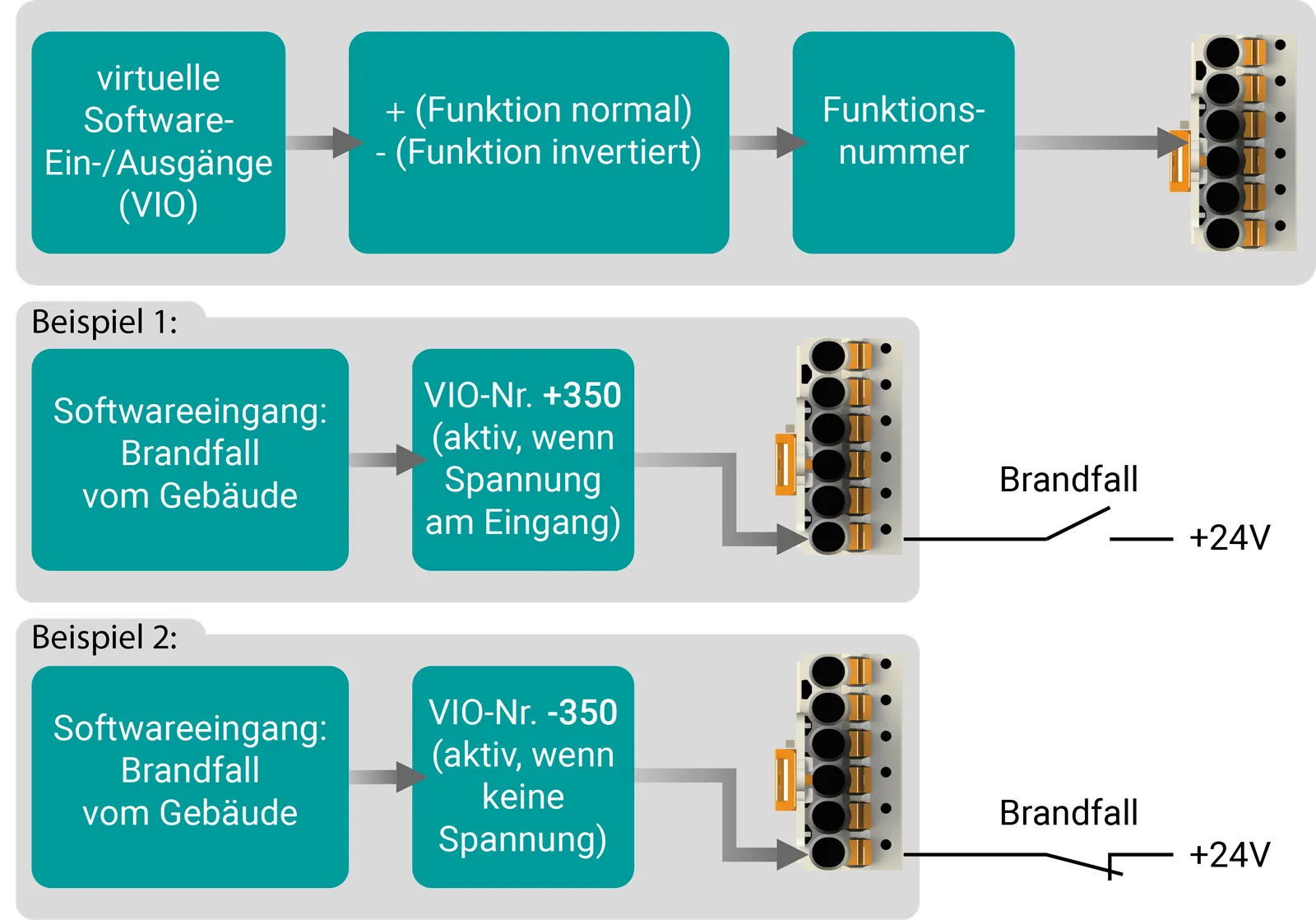
MULTiBUS works with several thousand so-called "virtual inputs/outputs" (VIO) as standard. These VIOs are only included in the software and do not cost any space or money. Each VIO can be assigned to real inputs/outputs on any MULTiBUS module, even multiple times, e.g. in the control system, on the lift car, in the shaft, in control panels and even in floor displays. This gives the real input or output the function of the VIO number, e.g. "priority control". The wiring effort is therefore kept to a minimum. Relays are usually not required, so possible contact errors and the space required are minimal. Subsequent changes are simply flexible.
Update via USB stick or MULTiBUS network
If a software update is required, this can be done via the MULTiBUS network or locally via a USB stick. The control system checks the new files before an update. If something goes wrong, the old state is restored.
Several parameter sets
You can save several parameter sets in parallel in the MULTiBUS with a time stamp. This means you can, for example, save the current state before changing a parameter. If something is not working as desired, you can restore the previous state or an older saved state.
The factory settings are already saved as a backup when the control is delivered.
In addition, the MULTiBUS automatically backs up the current parameters after a few days of normal operation! This means you always have the factory settings and your own settings available after successful commissioning.
Logging of switching operations
MULTiBUS remembers the switching operations of all inputs and outputs of all MULTiBUS modules. If an error occurs that is difficult to trace, the technician can trace all switching states one by one with a time stamp accurate to the millisecond.
The log data is retained after the lift is switched off/on.
Display, Info, Status and Shortcut
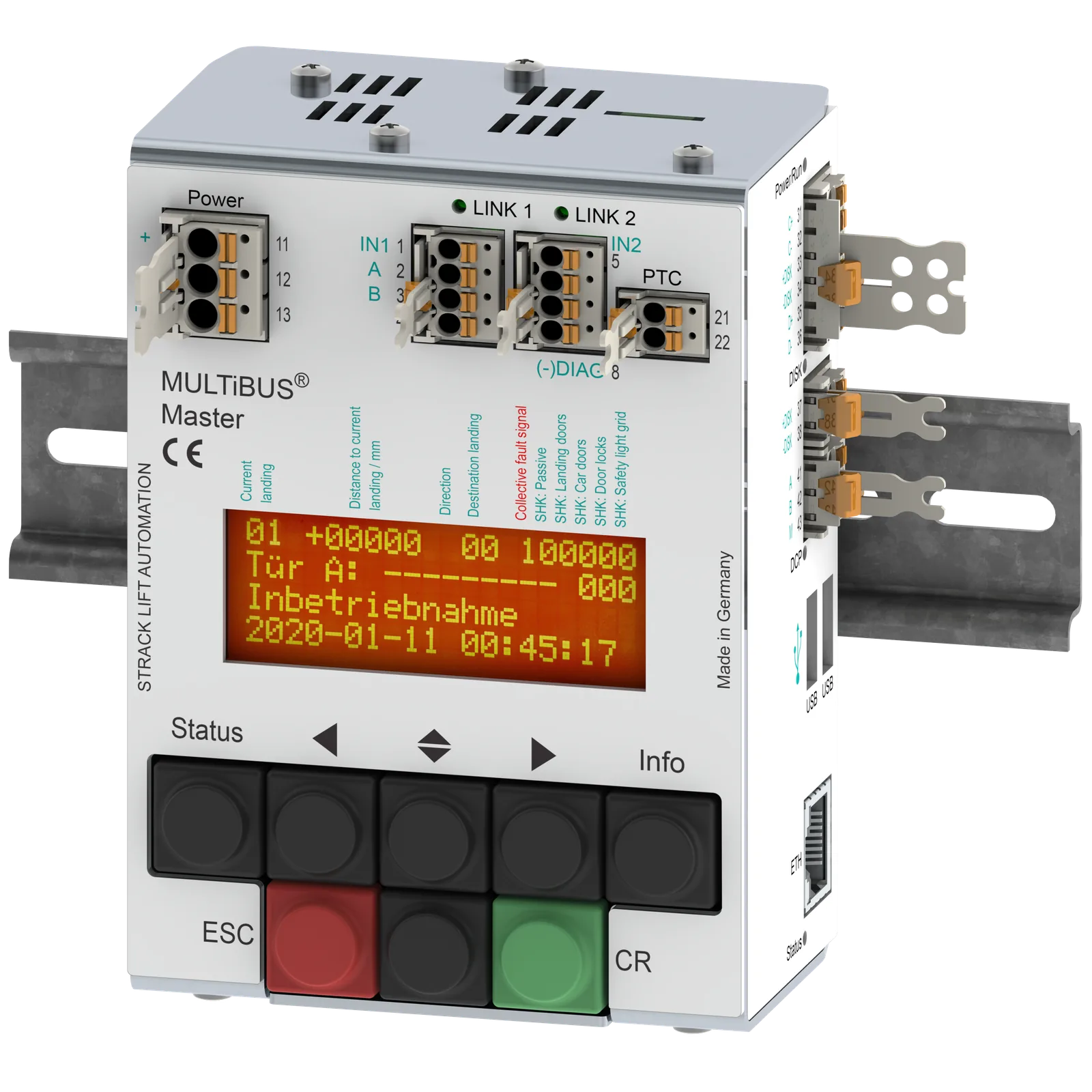
The MULTiBUS deliberately does not do without a display and keyboard. All settings and information can be entered and called up directly on the master without any tools.
Info
Using the info button, you can display a suitable explanation for each parameter and each error message on the display, which saves you having to look at the operating instructions.
Status
The display contains two status lines that are always visible, even when you are currently in the menu. Using the status button, you can switch a status line to different views. This means you are always informed about current signals from the doors, the drive or whatever else is of interest.
Shortcut
Using a key combination, you can get even faster access to some menu folders such as commissioning, stack memory or those you have defined yourself.
Functional reliability and fault tolerance
Positive logic
The entire MULTiBUS system works with positive logic, even within the panels. The ON state is always represented by a positive voltage (e.g. +24V), the OFF state by 0V or open. The reference potential is always 0V. This is logical and makes possible troubleshooting much easier.
Functional reliability
The electronic inputs of all MULTiBUS modules draw enough current and the switching levels are limited. This means that long cables and old switching contacts that are still present after lift modernisations are usually not a problem. All terminals and plugs of a MULTiBUS control system are designed as spring terminals, nothing rattles loose. This ensures contact reliability and a long service life.
Fault tolerance
All electronic outputs are protected against overload and short circuit. In the event of a fault, the MULTiBUS deactivates the affected output and reports it. If a less important lift function is affected, the lift even remains in operation.
Diagnosis, statistics and availability
Every MULTiBUS stores statistical data so that you can view, for example, travel time, number of trips, number of door movements, level approaches, switch-on and switch-off times, duration of priority trips, maintenance time, main error areas, etc. directly on the control system.
Faster troubleshooting through filters
When troubleshooting, the technician can filter the error memory so that only the relevant events are displayed. Filtering can be done, for example, by error number, date and time.
digiTFT displays
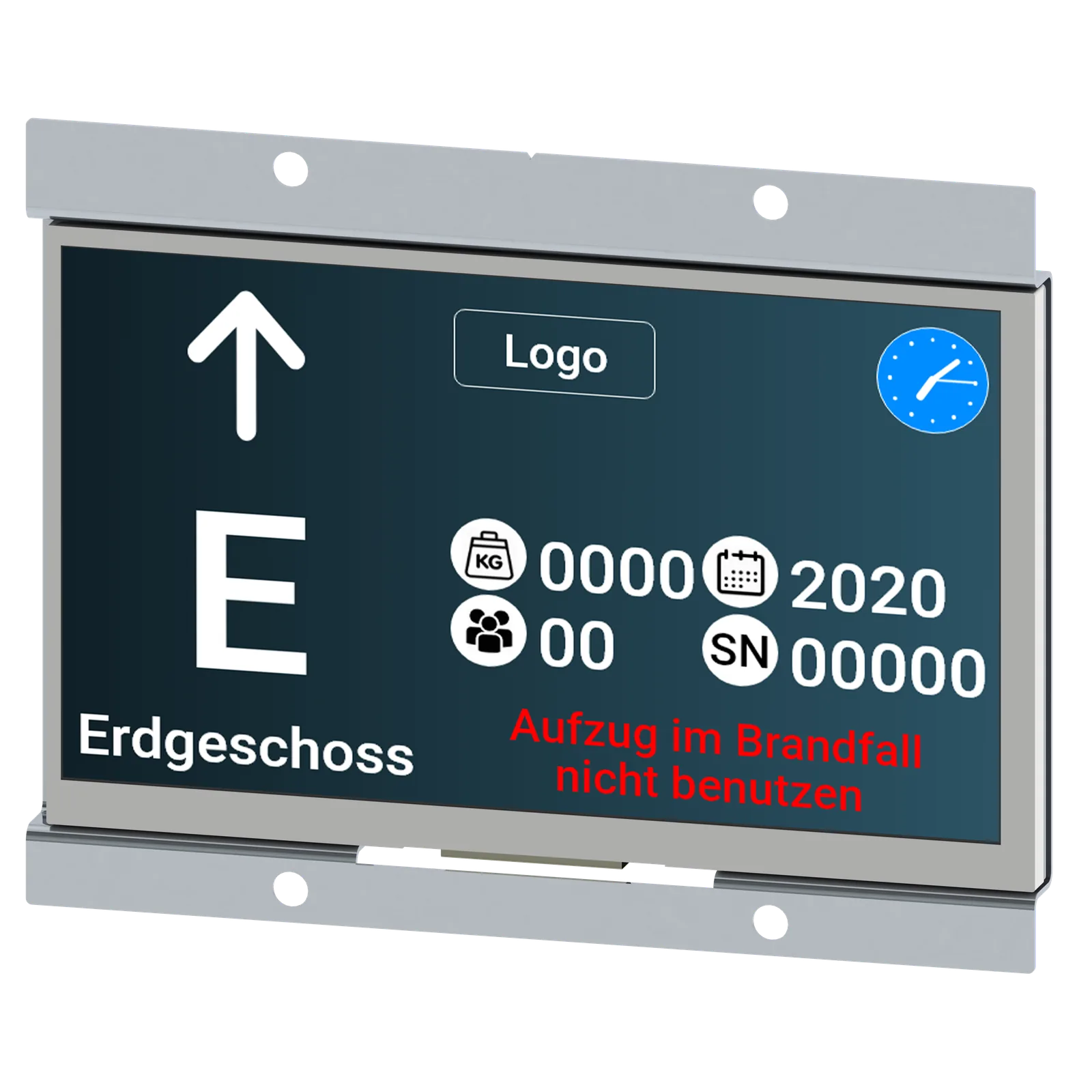
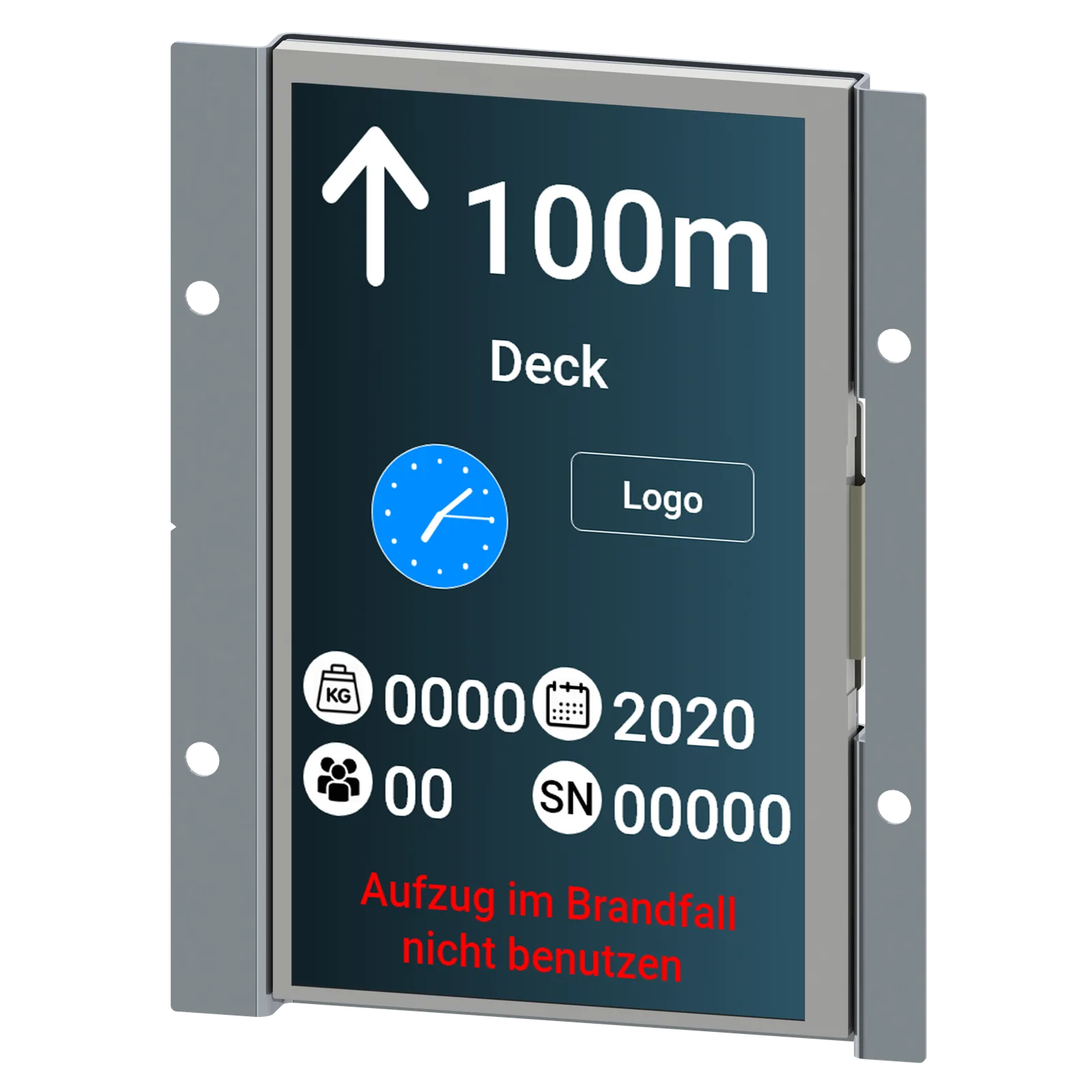
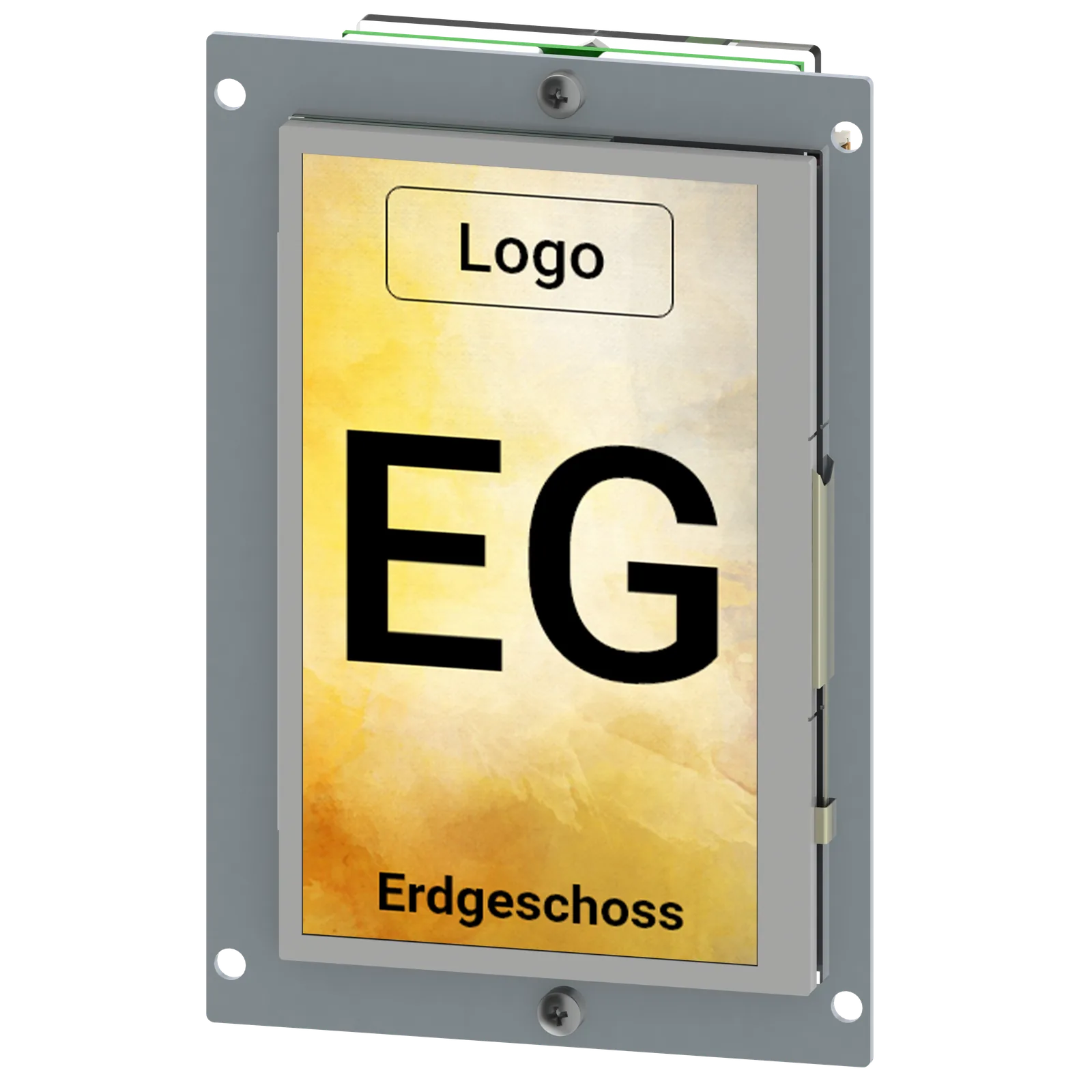
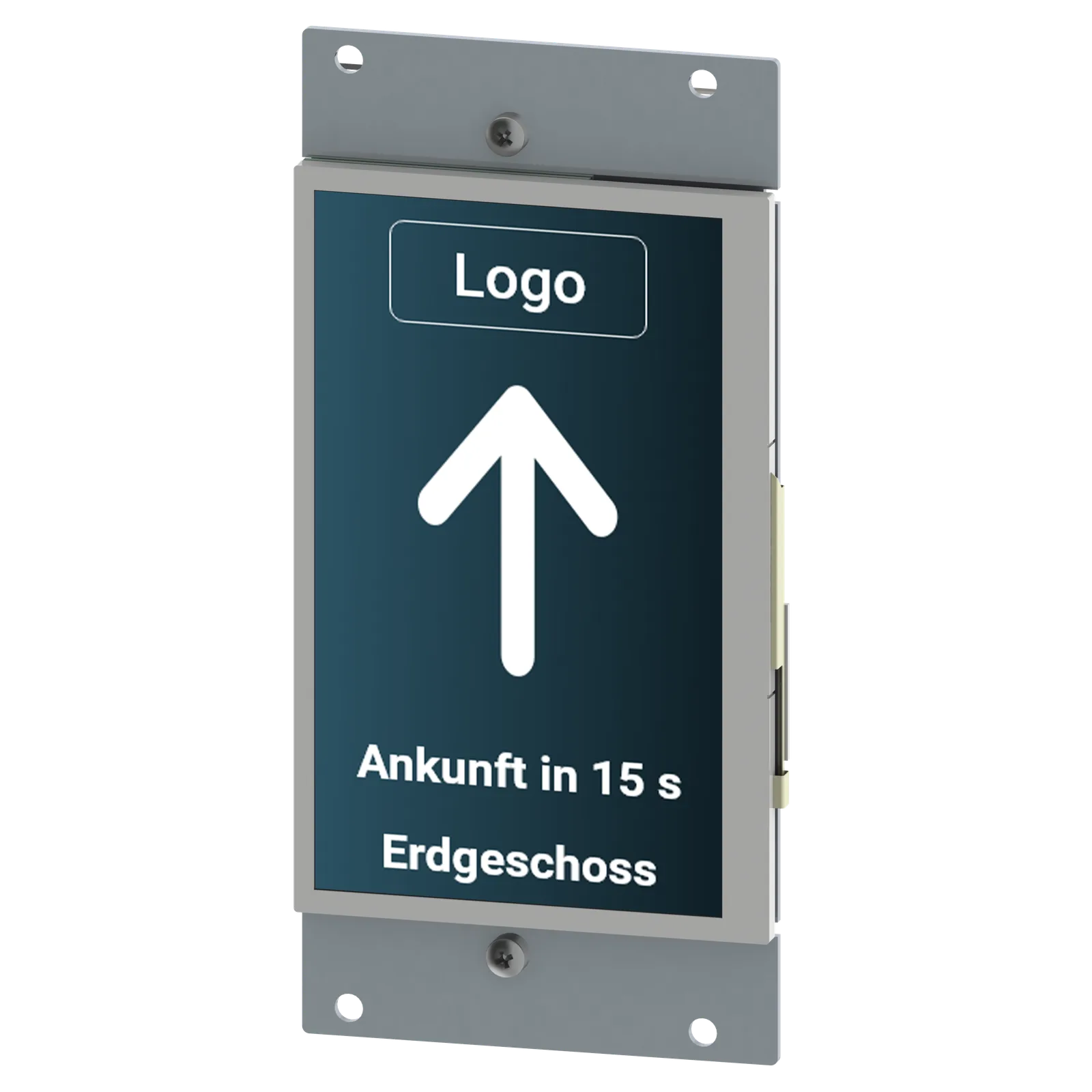
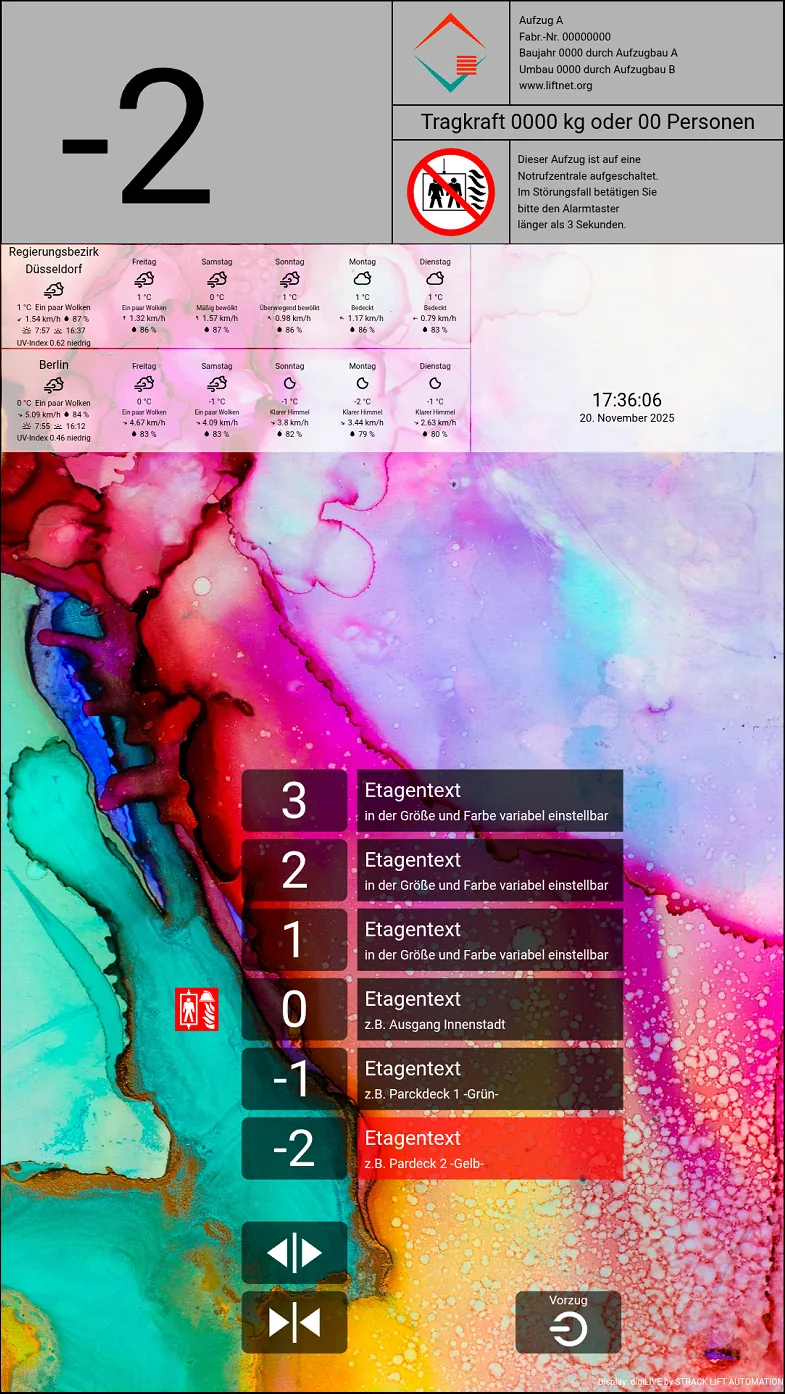
The digiTFT displays are simply plugged into the LINK bus. Status display, direction arrows, floor texts, symbols, date, time and a full-screen background image can be displayed.
A display of the estimated arrival time of the lift at the destination level is integrated so that the perceived waiting time for passengers is reduced.
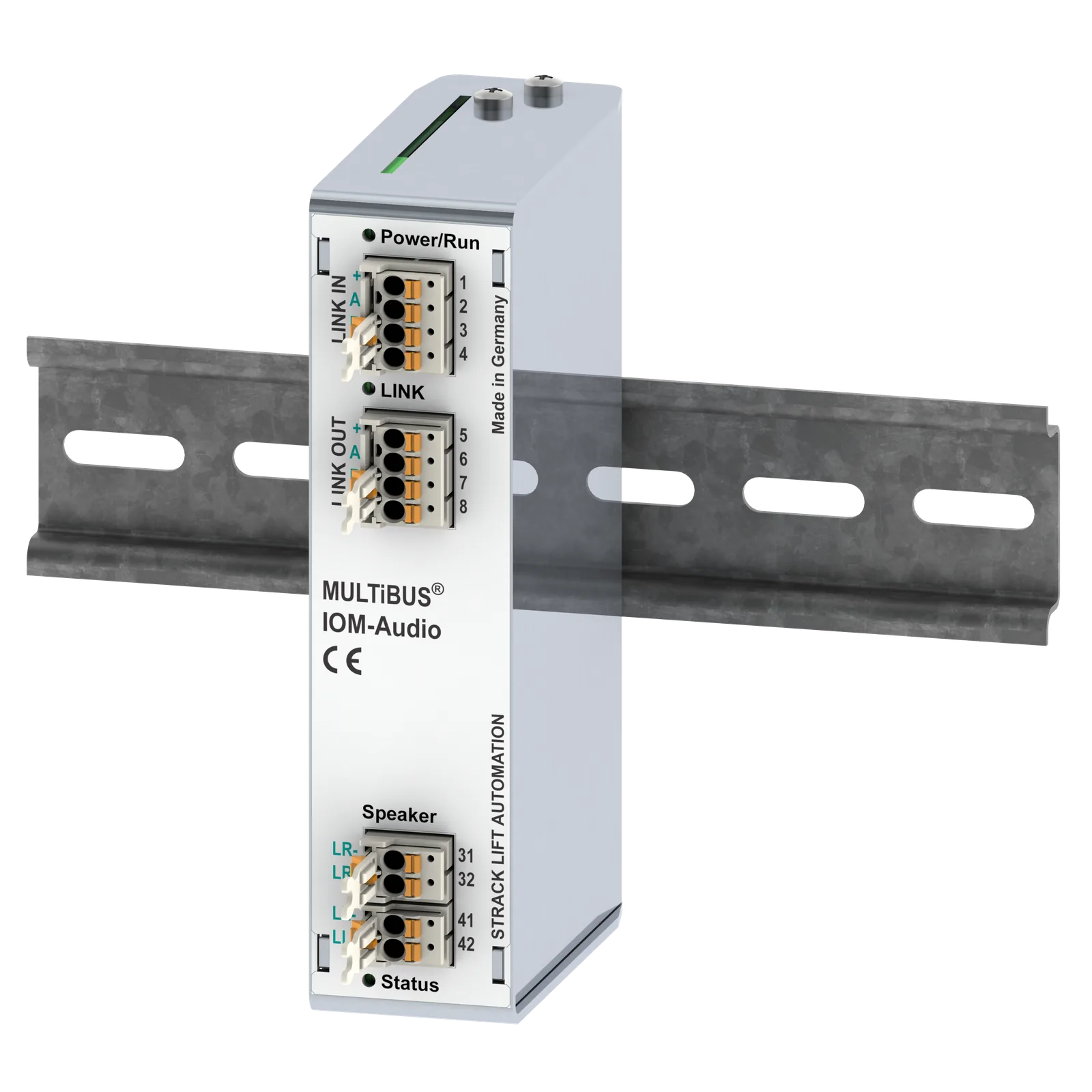
The loudspeaker output is used in a modern way for acoustic call acknowledgement and entry gong.
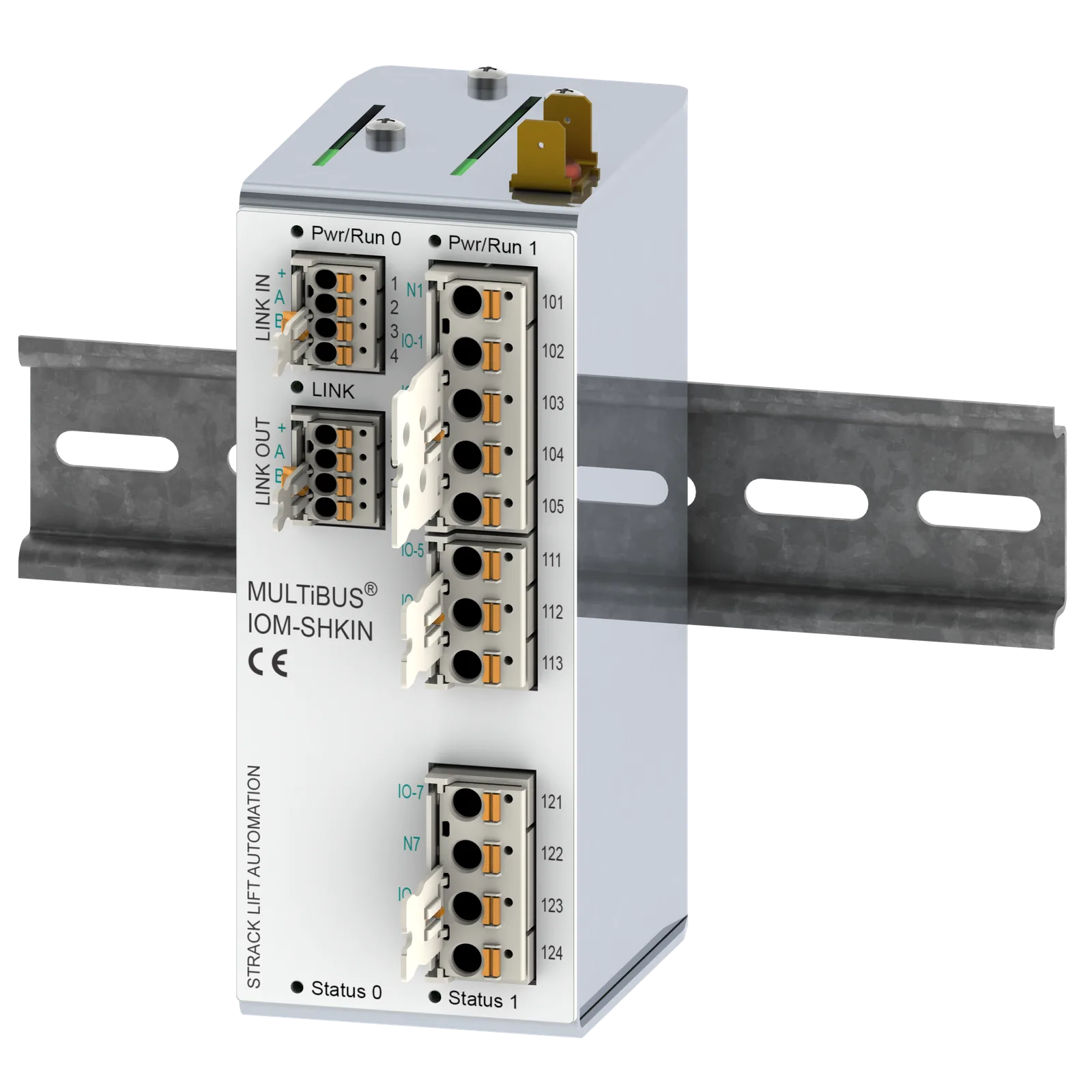
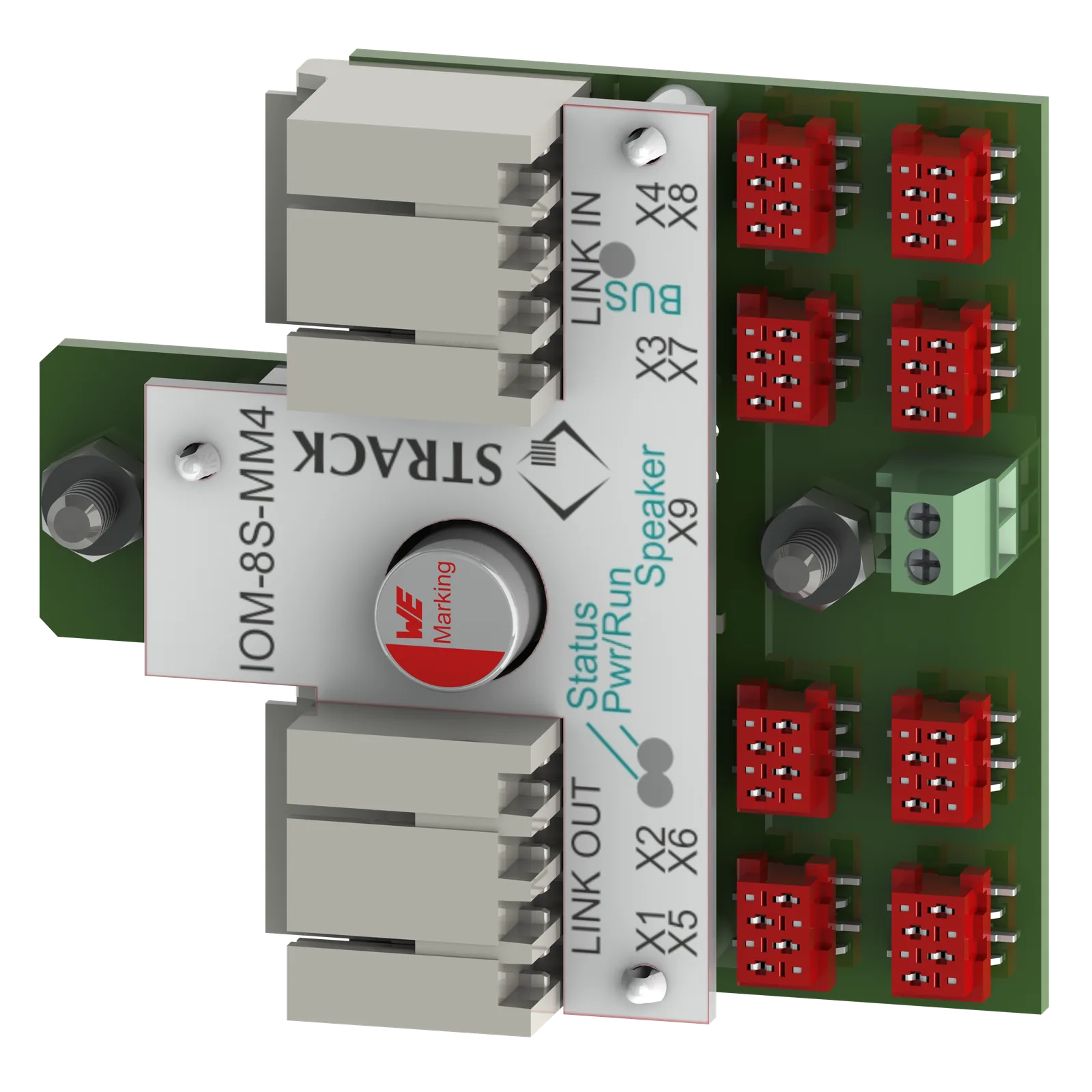
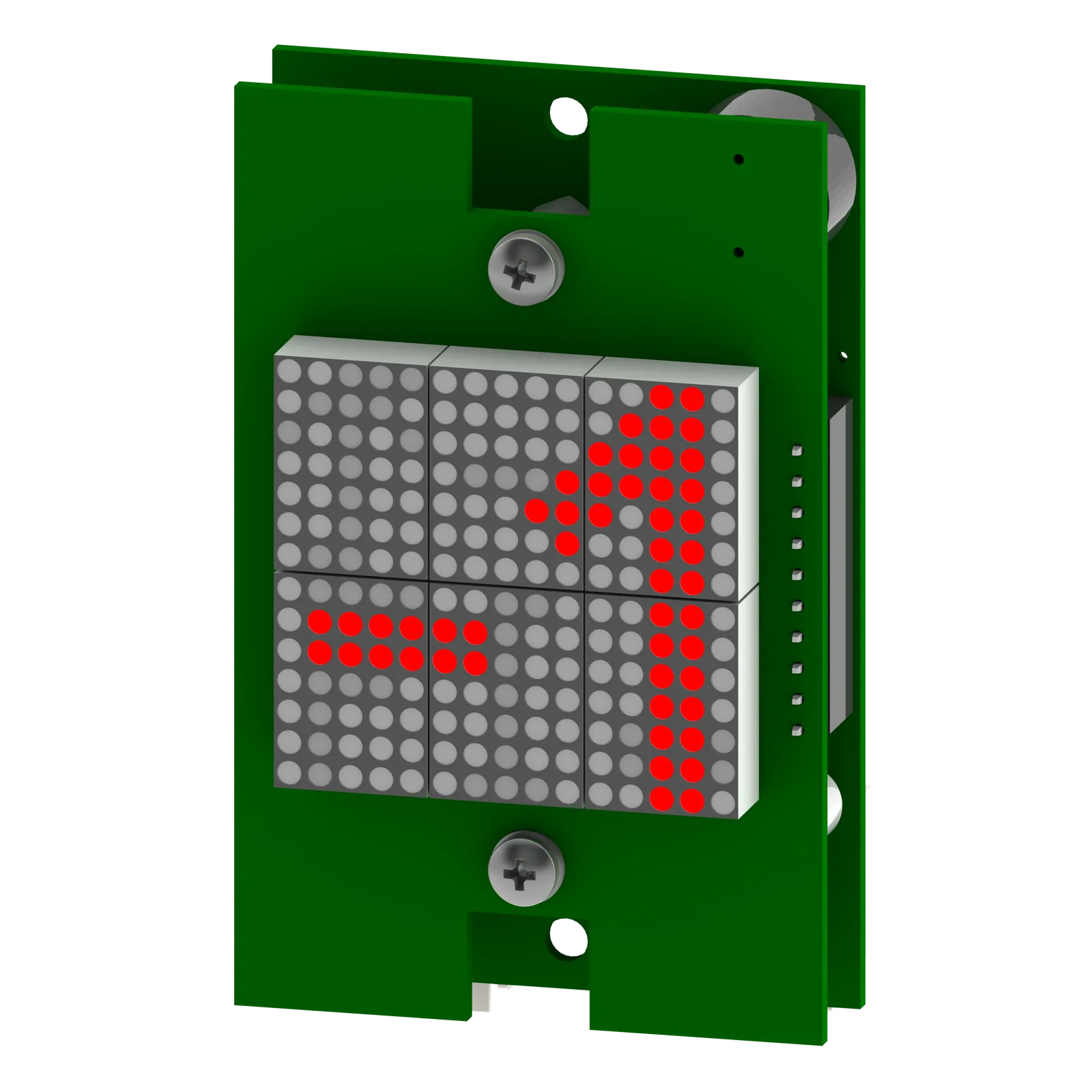
The eight small MM4 plugs are particularly noteworthy. Each plug can be an input and output to which any control panel functions can be assigned using VIO numbers, e.g. call buttons, key switches and indicator lights.
Technical data:
| Diagonal Zoll | Resolution px | Visible width mm | Visible height mm | Colours | Brightness cd/m² |
|---|---|---|---|---|---|
| 4,3 | 480 x 272 | 120 | 79 | 262.000 | 550 |
| 7,0 | 800 x 480 | 154 | 86 | 16,7 Mil. | 400 |
digiLIVE - Digital panels and AI functions
To complement the MULTiBUS system, we offer digital panels that can be customised via a web browser or directly on the panel itself. Lift manufacturers and operators can modify functionality and design, including preview and simulation capabilities. The user interface is reminiscent of a smartphone but relies on durable hardware and open-source technologies such as Linux and HTML.
Communication between MULTiBUS and digiLIVE takes place via Ethernet, ensuring high performance with virtually no wiring effort. Emergency call buttons and pictograms can be integrated. A UPS ensures continued operation during power outages. You can use your preferred emergency call device; MULTiBUS provides the necessary potential-free inputs and outputs.
When using a touchscreen version of digiLIVE, such as a panel, you can conveniently configure the MULTiBUS control system directly through the interface. For example, you can adjust leveling accuracy from inside the car, read out error logs, modify door timings, and manage other settings.
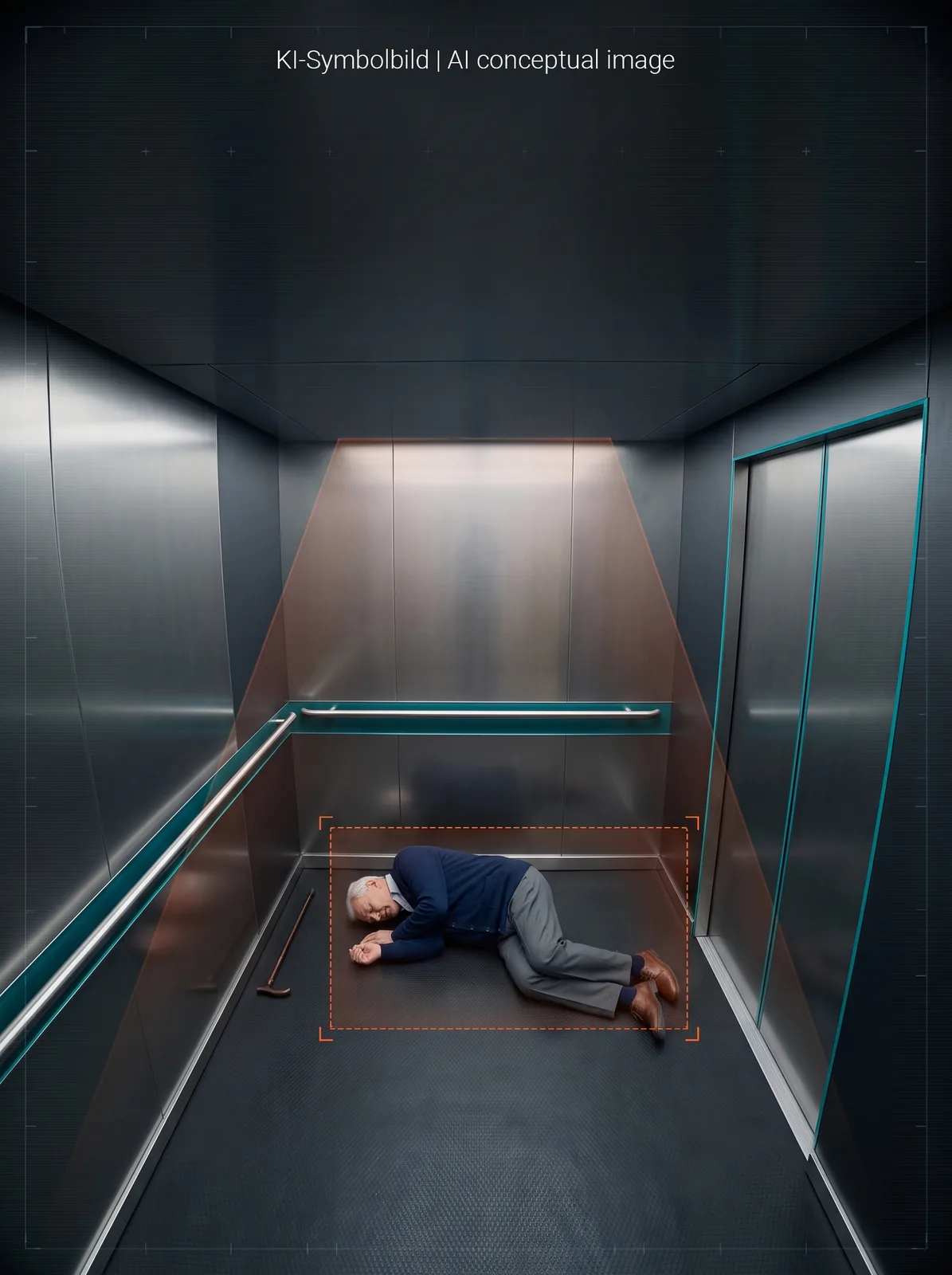
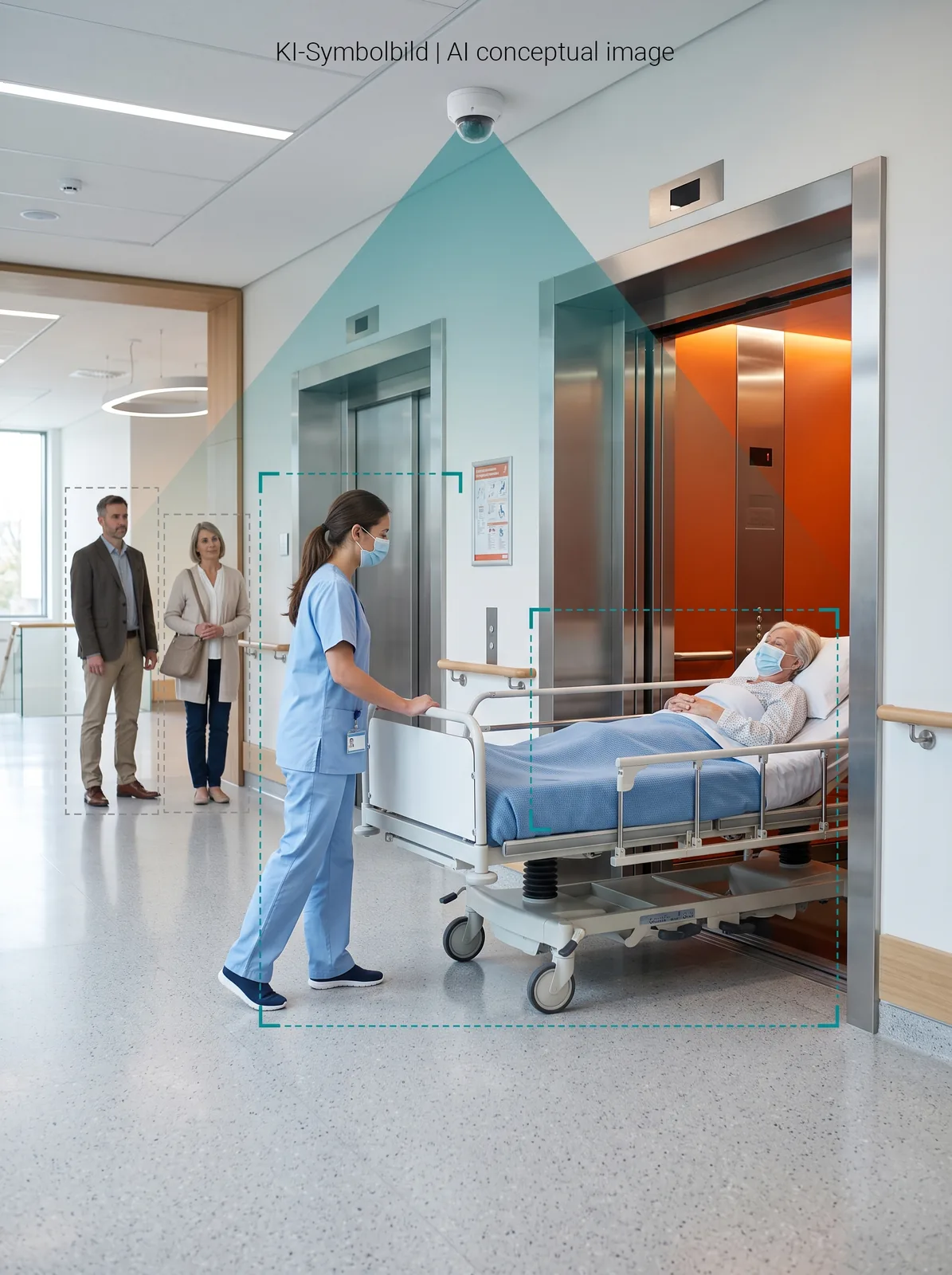
AI-based image analysis is included, running locally and securely, without the cloud. Detecting incapacitated persons, prioritising hospital beds and wheelchairs, managing traffic flow in real time, recognizing vehicles and luggage, calculating car occupancy independently of load, and eliminating the need for complex key and transponder switching systems. All of this works "out of the box".
Emergency lighting device with new features
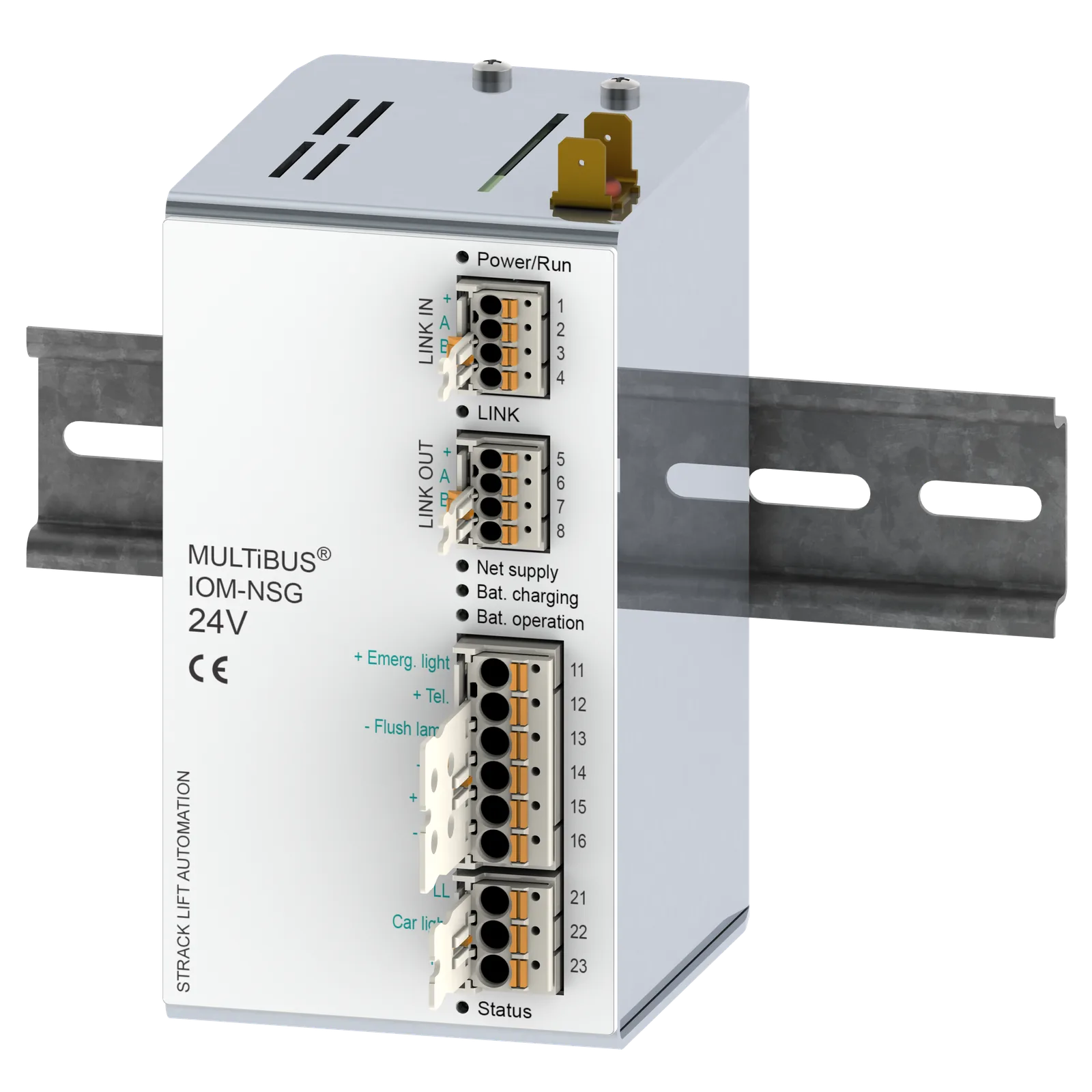
The IOM-NSG is an intelligent and powerful emergency lighting device. It can charge batteries up to 12 Ah, has an efficiency of 84% and offers short circuit, overload and deep discharge protection.
Battery monitoring
The remaining capacity of the batteries is monitored. Emergency call devices in accordance with EN 81-28 can be supplied with the IOM-NSG.
Absolute shaft copying
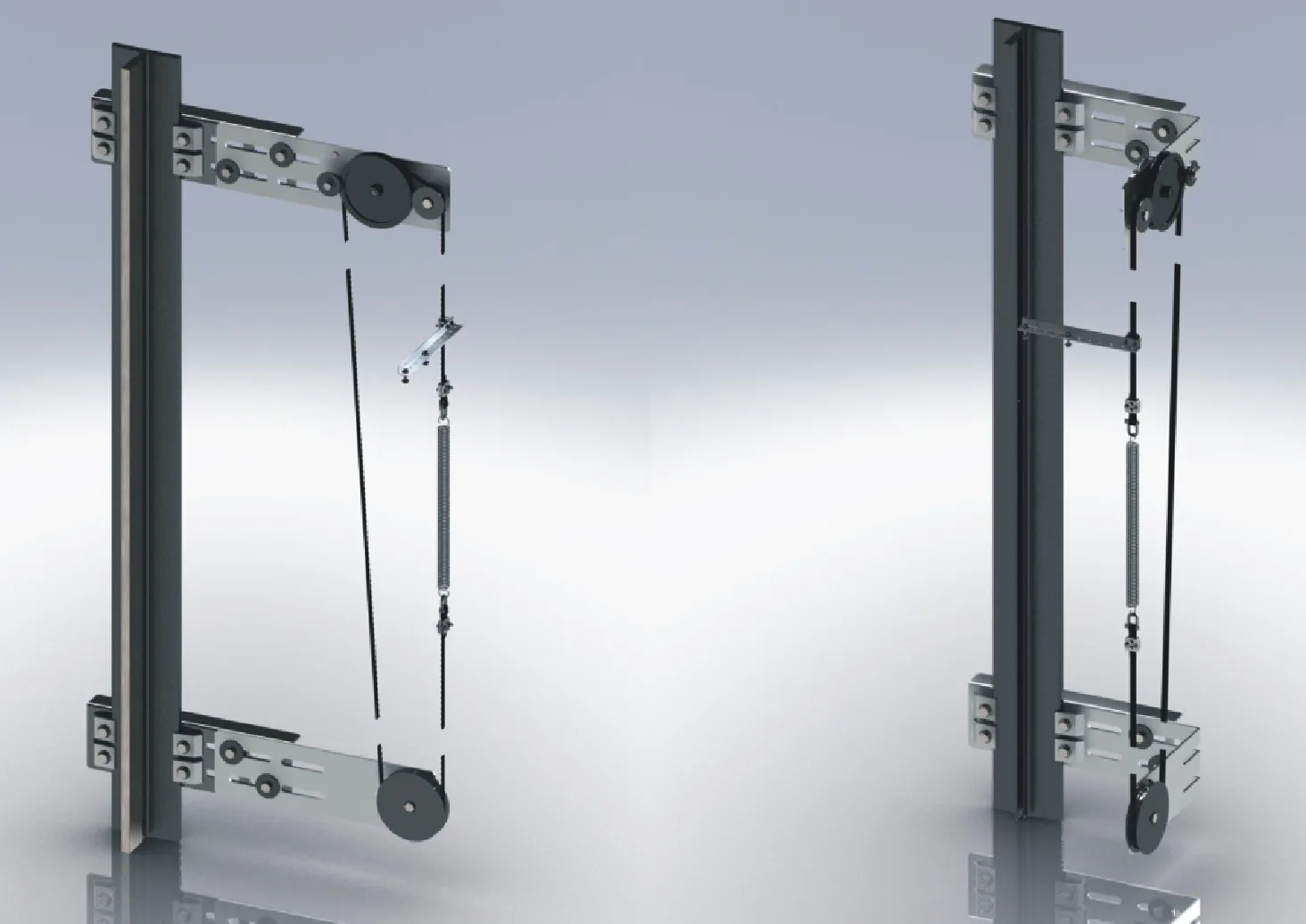
STRACK is considered the pioneer for absolute encoder shaft copying in the lift market. We have been using our absolute encoder shaft copying since 1994 to record the lift position with millimeter precision and without reference switches. MULTiBUS continues this tradition.
Control systems for lifts with short distances between levels, with fast travel speeds, with direct entry, etc. can thus be easily created. If the lift should ever come to a stop between levels, e.g. after a power failure and replacement power supply, the desired level can be approached directly from any position without a reference run. In the event of a fault, the technician is also informed of the exact position of the event relative to the level.
Also available for explosion-proof lifts.
Protection against unintentional movement (UCM)
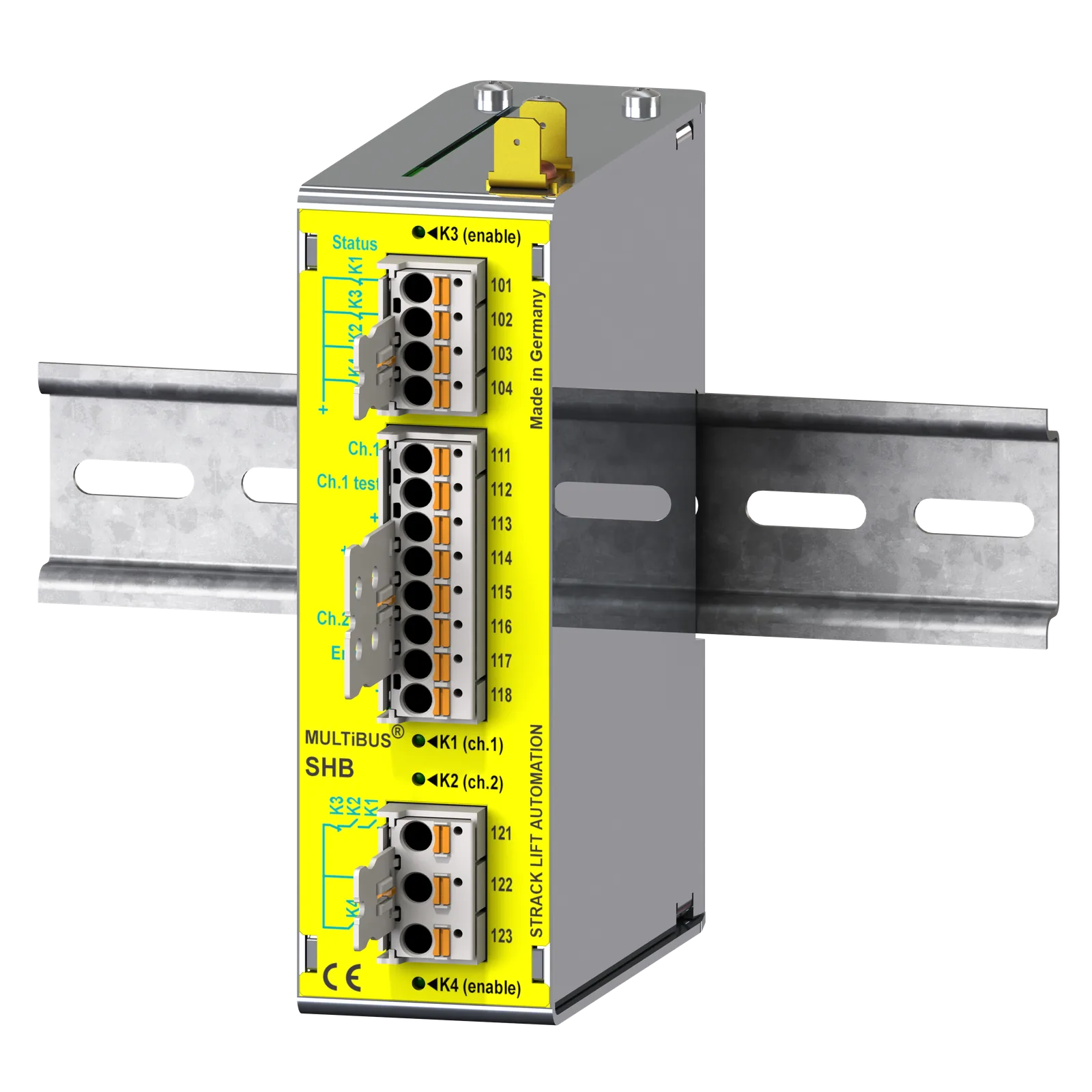
The MULTiBUS-SHB safety module also serves to protect against unintentional movement of the lift car (UCM) in accordance with EN81-1/-2 and EN81-20. The MULTiBUS-SHB is TÜV-certified and takes on the "detection and triggering" tasks for UCM, so that you only need to use a braking device certified for emergency braking. The MULTiBUS-SHB is designed so universally that it works with all commercially available UCM brakes, e.g. blocking magnet on the speed limiter (without additional electronics), separate emergency brake or safety brake, certified service brake (e.g. for gearless drives), redundant valve system or separate safety valve.
Electronic lift attendant optionally integrated
An electronic lift attendant can be integrated into the MULTiBUS on request.
Benefit
The tasks of the human lift attendant are partially replaced. The weekly inspections of the lift that would otherwise be necessary are no longer necessary. The inspection intervals of the human lift attendant are therefore limited to 4 months or 30,000 trips for systems with power-operated doors and 2 months or 15,000 trips for systems with manually operated doors and can be carried out by the lift technician as part of normal maintenance.
What is monitored?
- Flushness
- Cabin light
- Remote emergency call system
- Number of trips
- Operating time
- Own parameter settings
Example: MRLmini door frame control
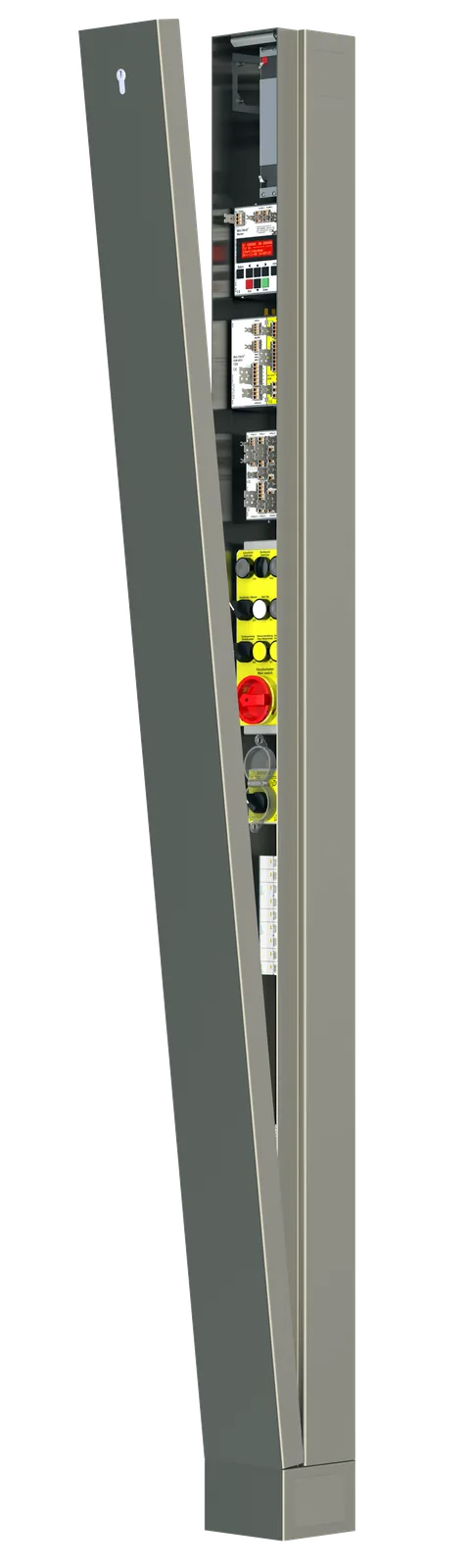
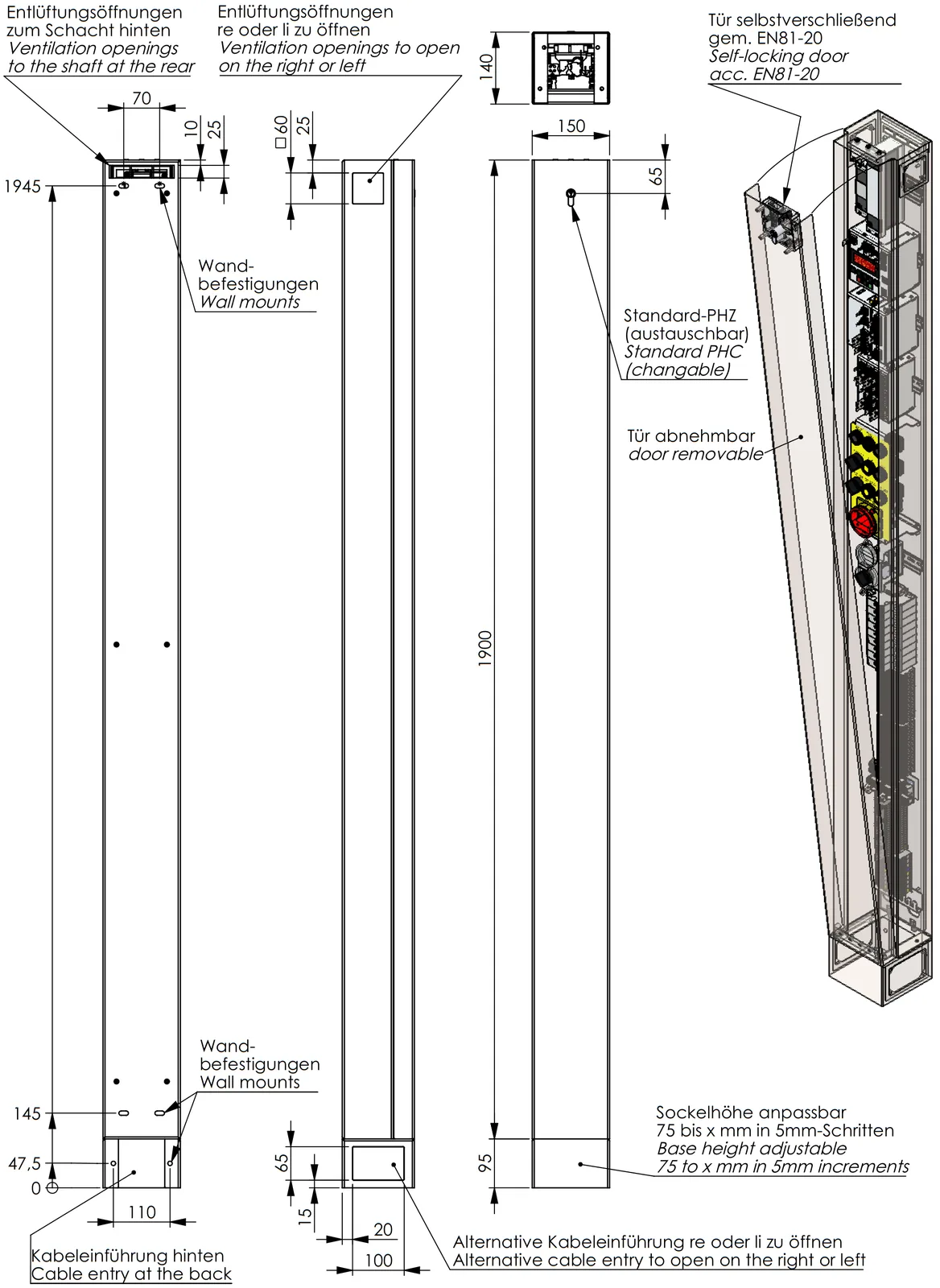
The MULTiBUS in the MRLmini cabinet is our most compact control solution for machine room-less lifts. With a width of just 150 mm and a depth of 140 mm, there is always a place on the shaft door frame, in the reveal or nearby.
On request, MRLmini can also be delivered only on a mounting plate so that you can place it in your door frame, for example (dimensions then only W=118 mm, D=137 mm).
All cables are fed into the base at the bottom, with the base always having openings on the left, right and back, with the visible side neatly closed. The MRLmini cabinet height can be adapted to your shaft door height using different base heights.
The MRLmini cabinet is supplemented by a wall box that is attached to the shaft wall with rubber buffers. Control parts that do not fit in the MRLmini cabinet are housed in this wall box.
MULTiBUS Moduls
Why Linux?
Linux has the advantage that many different applications, technical innovations, networking and secure encryption can be implemented in lifts using a single operating system. STRACK sees Linux as the basis for future technologies, which is why it started developing lift control technology as a pioneer in 2004 and has been providing suitable solutions since 2014.
But don't worry: Lift fitters and technicians do not need any Linux knowledge. The MULTiBUS control is operated in the same way as the SLC4 control: easy, logical and convenient.
Sustainability of Linux in lift controls - an analysis
Long-term perspective
Linux is definitely a sustainable solution for lift controls, but only under certain conditions:
- Professional implementation instead of "quick & dirty" solution
- Industrial-grade hardware instead of consumer product
- Long-term maintenance strategies
- Integration into the Linux mainline kerne
Important requirements
The first development steps with Linux as a platform for lift controls are simple: Raspberry Pi & Co. make it easier than ever to build a prototype for your own devices. But that's not all: as a manufacturer of an industrial product, you are responsible for an investment asset that often has to be maintained for decades. And so the inexperienced use of "cheap" technology often causes incalculable consequences that could have been avoided.
In many embedded Linux projects (lift controls), drivers have to be developed or modifications made to existing Linux kernel frameworks in order to meet the requirements of the hardware. Open source has the advantage that you don't have to program around the Linux kernel, but can adapt the kernel to meet the requirements. Our partner's kernel team has been working closely with the international Linux kernel community for years. Drivers, framework changes and kernel ports for new processors find their way through the review process into the official Linux mainline kernel.
In our experience, mainlining changes requires little extra effort, but it is worth it in the long term. In addition to the quality advantage of the open review, we get feedback on the features we need and sustainable support in solving stubborn bugs or performance bottlenecks. In addition, fewer local changes accumulate that would be very expensive to maintain over the years.
Conclusion
Linux in lift controls is sustainable if it is implemented professionally. The initial extra effort for high-quality development pays off with lower maintenance costs and a long service life.
Data sheets
-
PDF
Data sheet safety relay SR22 (2 NO/2 NC, German)442.5 KB DE
Manuals
Certificates
Order forms
-
PDF
Order form controller (PDF)307.7 KB EN
-
DOC
Order form controller (Word)505.5 KB EN